Custom mesh
ZnVis allows for the use of custom mesh files to be read in during the visualization.
This can achieved using the znvis.CustomMesh class as follows:
# Define the particle type.
virus_trajectory = np.random.uniform(-10, 10, (10, 1, 3))
virus_orientation = np.random.uniform(0, 1, (10, 1, 3))

virus_mesh = vis.CustomMesh(file='example_data/virus.stl')
virus = vis.Particle(
    name="Virus",
    mesh=virus_mesh,
    position=virus_trajectory,
    director=virus_orientation
)

# Construct the visualizer and run
visualizer = vis.Visualizer(particles=[virus], frame_rate=10)
visualizer.run_visualization()
You should now see a screen that looks something like this:
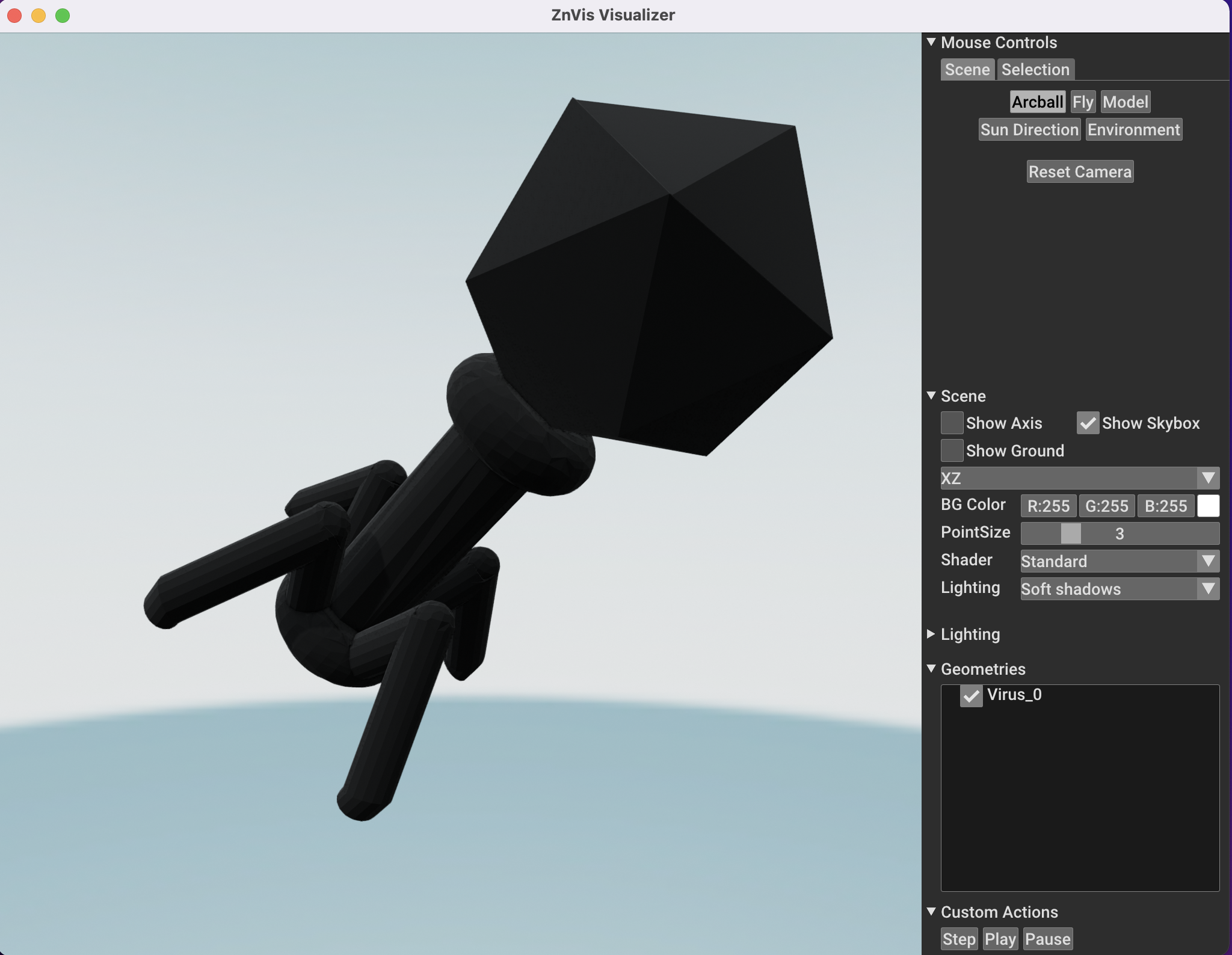
If you now press the Play button the particle should start moving.