Simple Cylinders
In this example we will show how to visualize cylinders and include direction information in a visualization.
Imports
The first thing to do is import the required packages. For this tutorial, we use both numpy as znvis.
import znvis as vis
import numpy as np
Setting up a particle
Now we can make a particle that ZnVis can visualize. Let’s start with some fake data generated randomly and then add this data to a particle.
trajectory = np.random.uniform(-5, 5, (100, 10, 3))
orientation = np.random.uniform(0, 1, (100, 10, 3))
Notice here that not only do we generate trajectory data, but we also generate orientation data. This data consists of 3D vectors describing the direction that the particle is pointing in.
Build and run the visualizer
Now that the particles are prepared, we can set up the visualizer and run it.
visualizer = vis.Visualizer(particles=[particle, particle_2], frame_rate=20)
visualizer.run_visualization()
Here we have passed the particle instance to the visualizer along with a frame rate measured in frames per second.
Results
You should now see a screen that looks something like this:
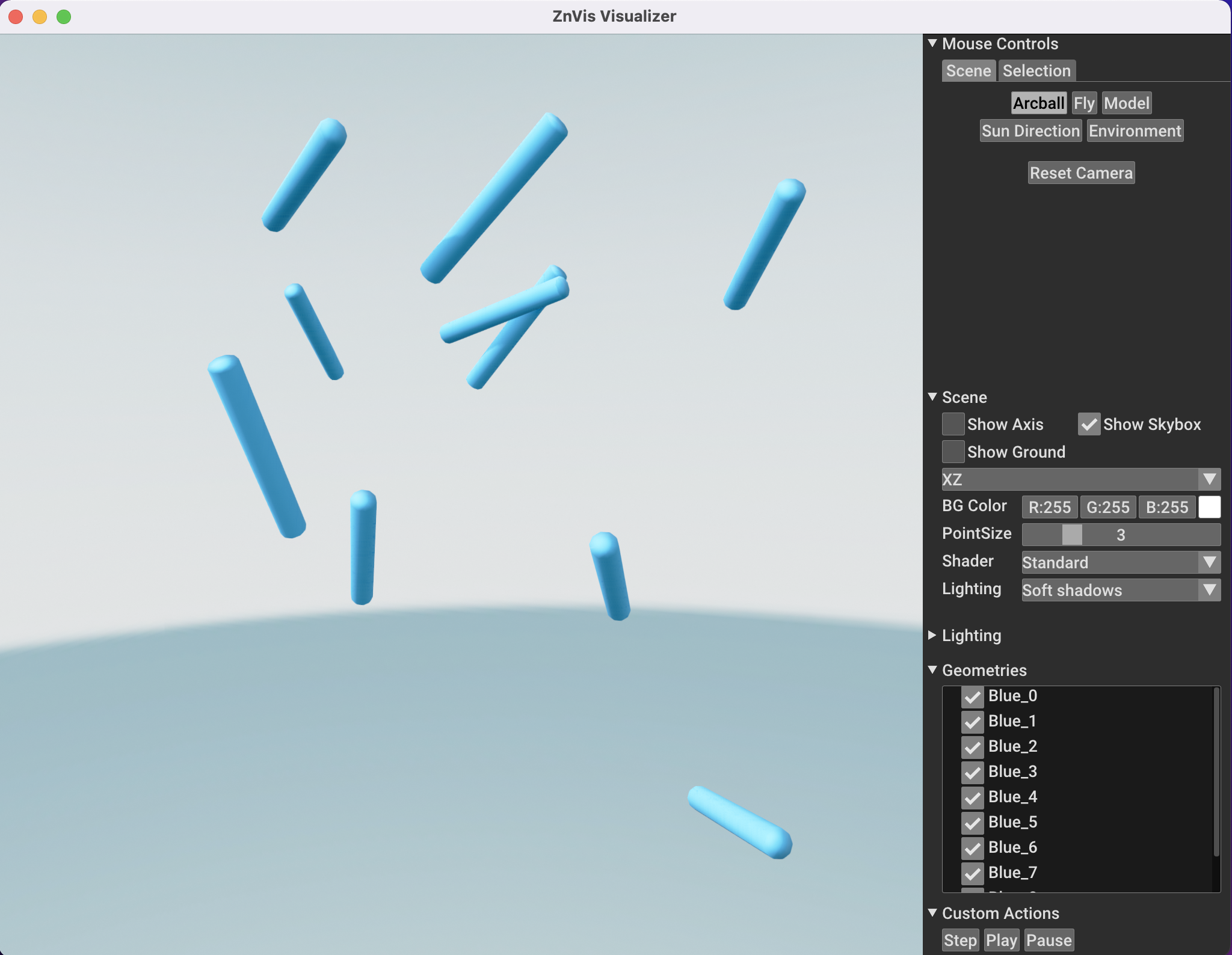
If you now press the Play button the particle should start moving.